Flagship
Sutertai Studio
Write a prompt, pick a style, and iterate until the image is right. It is where every Sutertai image starts.
Prompt barStyle presetsAspect ratiosVariationsHistory
Teams
Brand Kit
Lock a look once and reuse it across everyone's output. Colour, tone and composition rules stay the same for the whole team.
Saved stylesColour rulesShared presetsTeam library
Pro
Smart Editor
Upscale, outpaint and cut backgrounds without leaving the browser. Finish an image in the same place you made it.
Upscale 4KOutpaintRemove backgroundRetouch
Scale
Batch Generator
One brief, a whole set of on-brand variants. Sized and cropped for every placement you need.
Bulk promptsAuto cropsCSV inputZip export
Build
Developer API
Generate from your own app, with SDKs and webhooks. A single REST call starts a job, with webhooks for longer runs.
RESTPython & Node SDKsWebhooksUsage keys
New · Beta
Sutertai Vision
Start from a picture instead of a sentence. Describe an existing image and remix it into something new.
Image to promptRemixStyle transferBeta
 Input · 180px
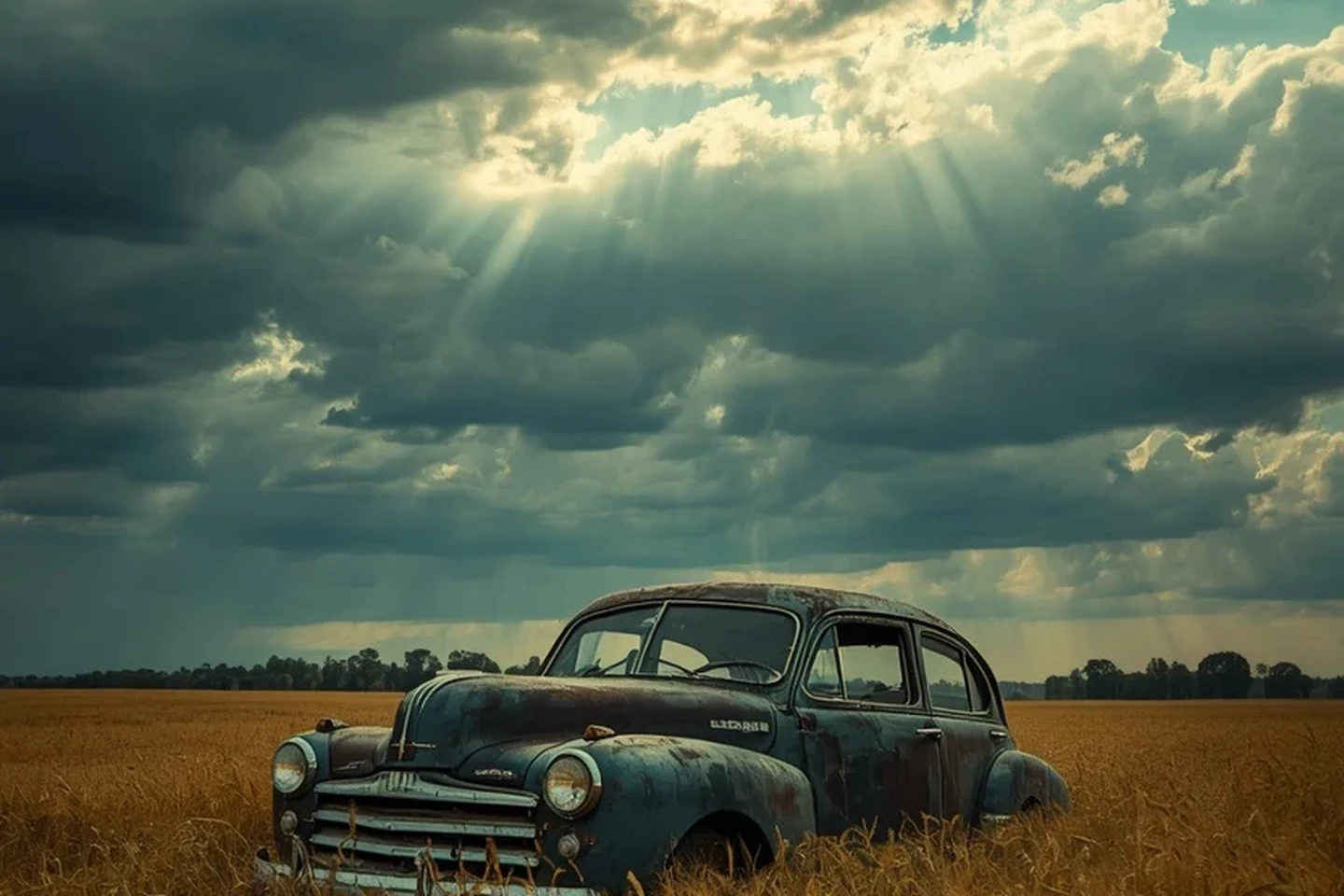
Output · 4K
Input · 180px
Output · 4K